
A Project Stage represents the different phases that your projects go through from initiation to completion.
- Click on the respective project.
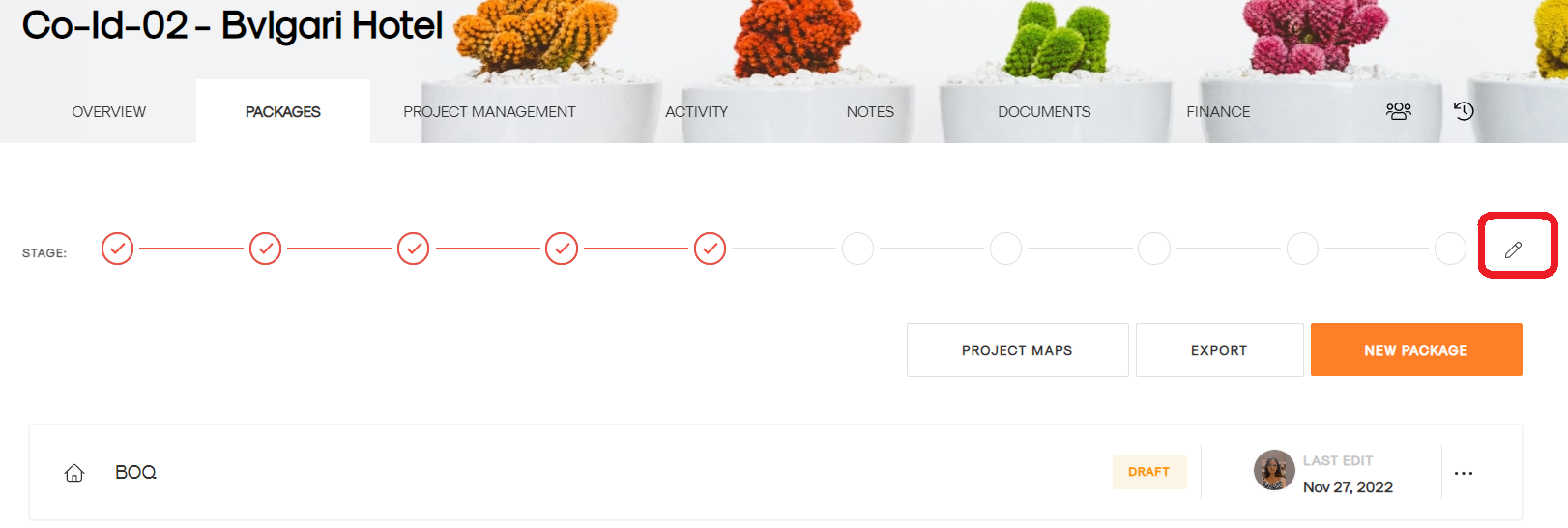
- Click on the pencil as shown:
- Select Enable for the stages you want in that project, as shown:
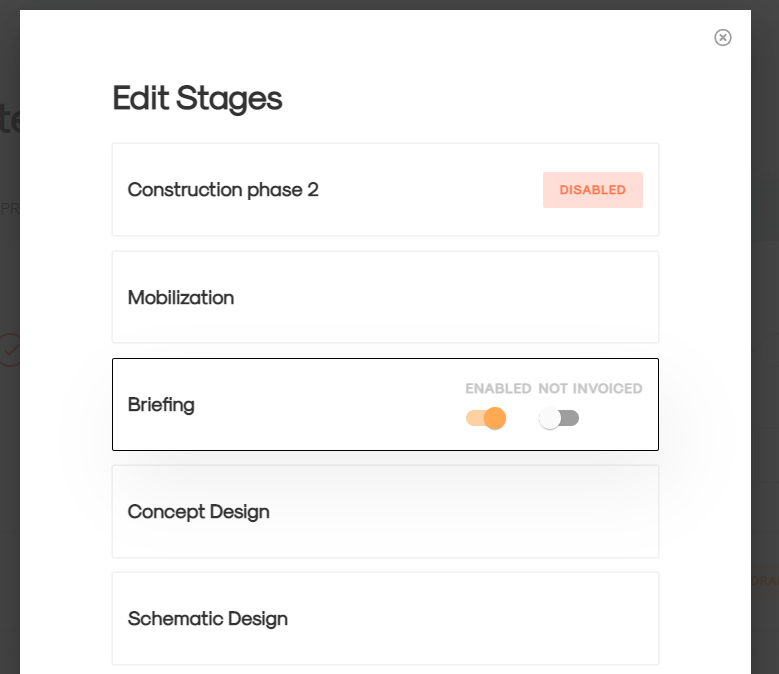
- You can also Notify your finance team to create an invoice when a project reaches a specific stage by toggling on Not Invoiced.
- Click update.
1. By default all the stages would be enabled.
2. You can't disable the stages which already contain some activity like timesheets, estimate, invoice etc.