
You can export selected items by following these steps:
- Open the Project.
- Go to the Package section.
- Select the items you want to export by checking the circle next to each item.
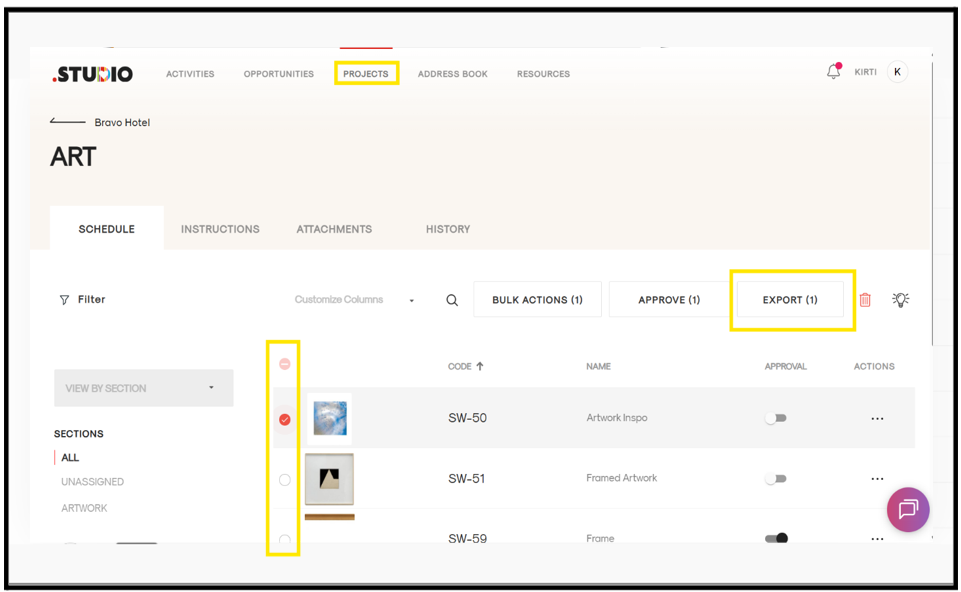
- Click on Export.
- In the confirmation page, make the required adjustments.
- Click Export again.
The selected items will be downloaded as a PDF.