
You can easily track all changes and activities related to an Opportunity using the History feature.
How to view Opportunity history
- Open the Opportunity
- Click on the History icon
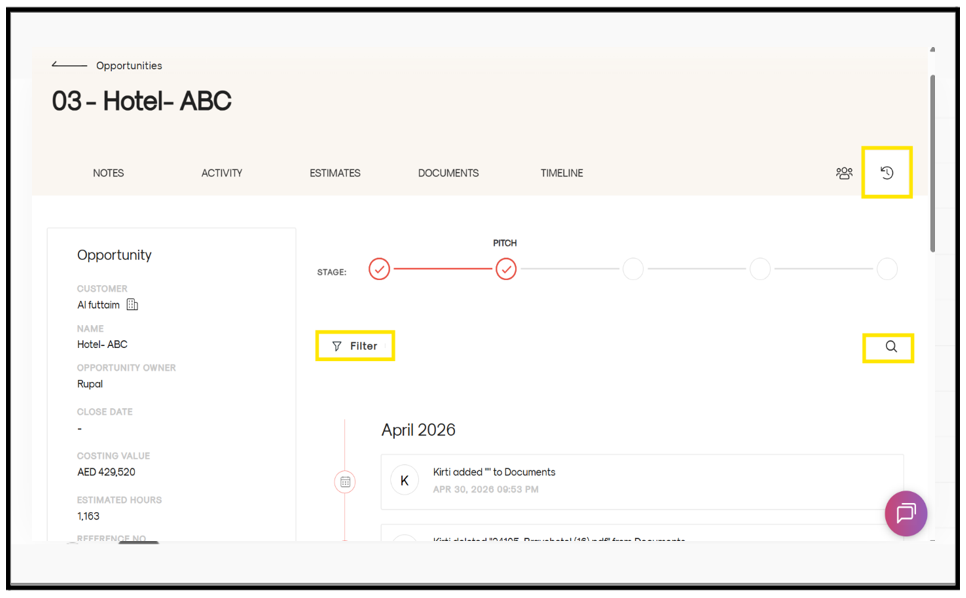
- You can see All changes made to the Opportunity including User activity, Date and time of each update
Using filters
If you’re looking for specific information, you can use the filter options to narrow results by:
- Keyword
- Transaction date
- Team member
You can also apply multiple filters at once to quickly find the exact change or update you’re looking for.