
Steps to Delete an Item
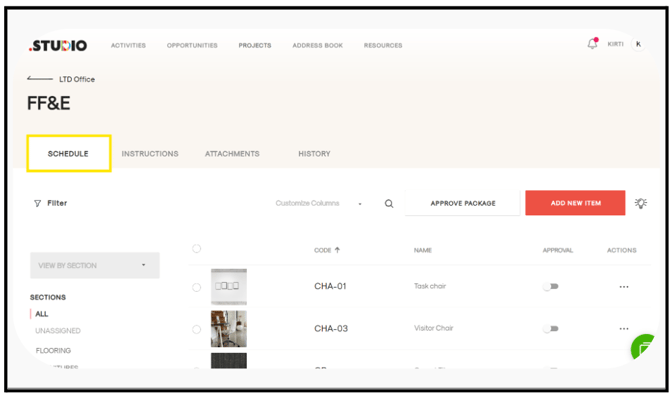
Open the Package Schedule
-
Navigate to the relevant project and open the package.
-
The schedule list will be displayed.
Delete the Item
-
Locate the item you want to delete.
-
In the Actions column, click on the three dots (⋯) next to the item.
-
Select Delete
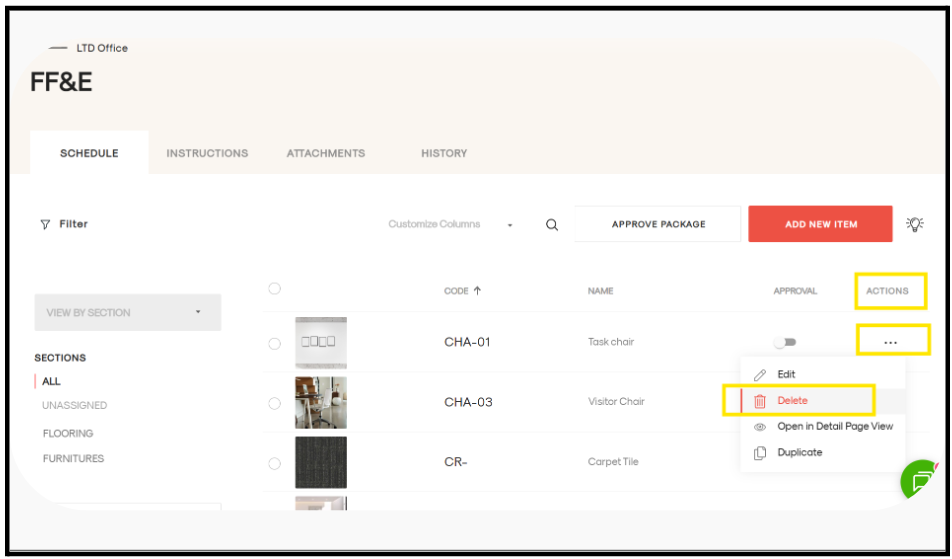
The selected item will be removed successfully from the package.