Once you are added as a supplier to the instance, you will receive an email to set your password. After setting your password, you can log in and make edits to the packages assigned to you.
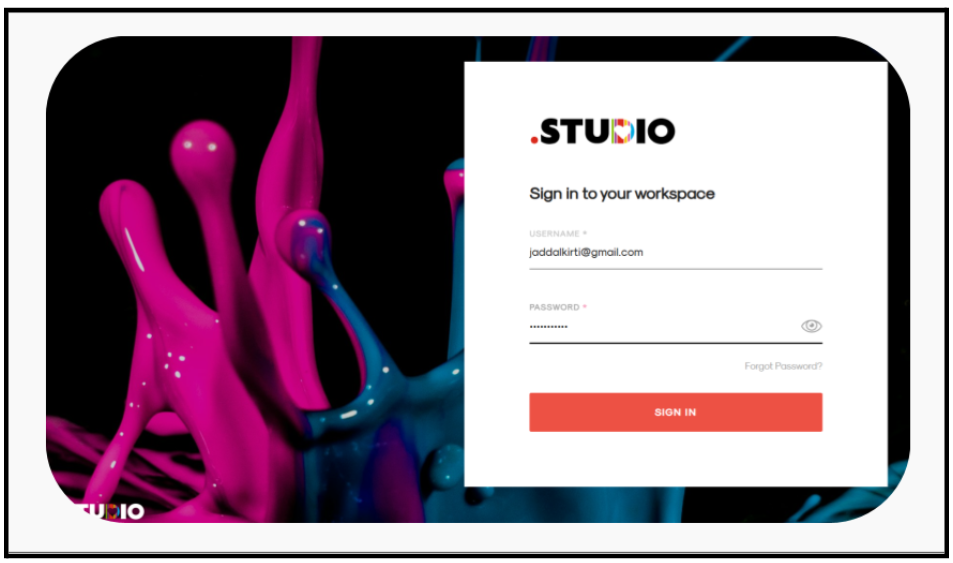
Enter your registered email address and password. Click Log In.
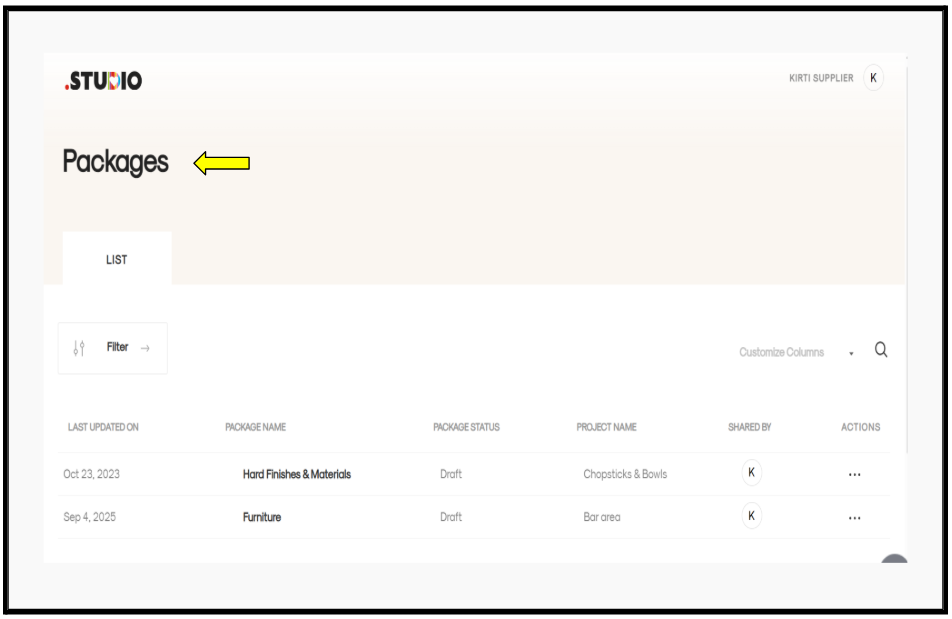
After logging in, you will be directed to the Supplier Dashboard.
A list of all packages assigned to you will be displayed. Select the package you want to edit and open it.
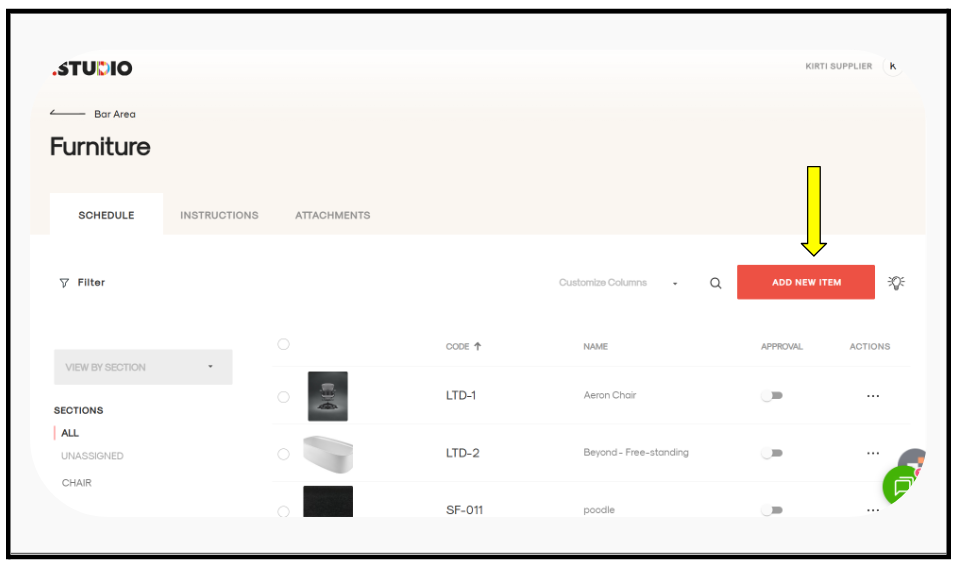
Within the selected package, you can:
- Edit existing items, or
- Add new items to the assigned package.