
Follow these simple steps to export your timesheet data directly into an Excel file:
-
Log in to your .studio instance.

-
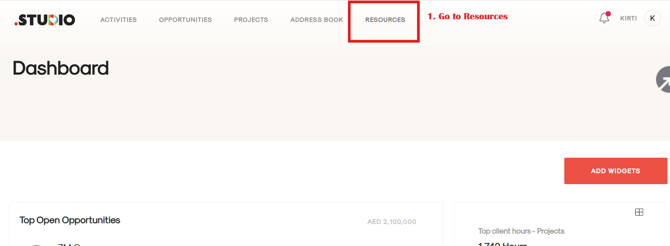
Navigate to the RESOURCES section from the main menu.
-
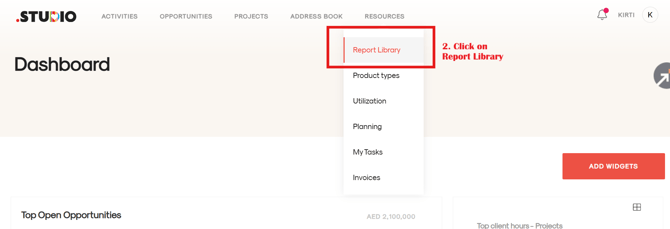
Open the REPORT LIBRARY.
-
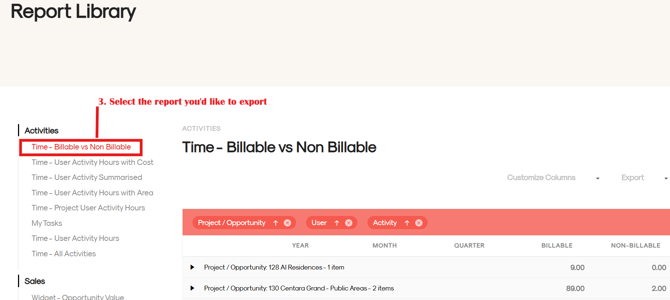
Select the specific report you wish to download (your timesheet).
-
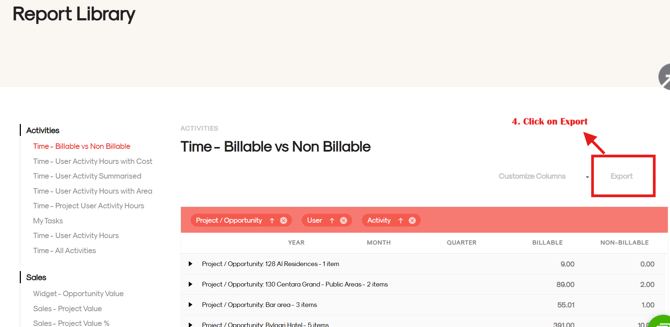
Find the EXPORT option on the far right of the report display and click it.
-
Choose EXCEL EXPORT from the list of file format options that appear.
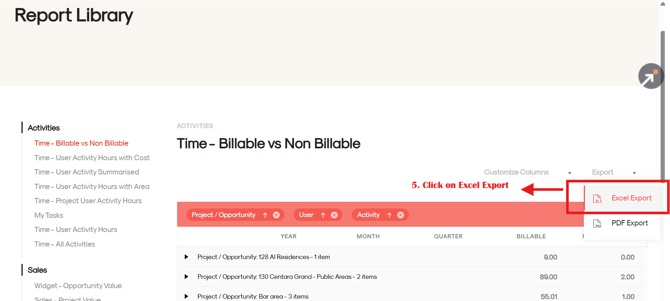
7. The exported Excel file will be automatically saved in your default Downloads folder.