
1. Open the Project Package
- Navigate to the required project.
- Open the relevant package within the project.
2. Go to the Schedule View
-
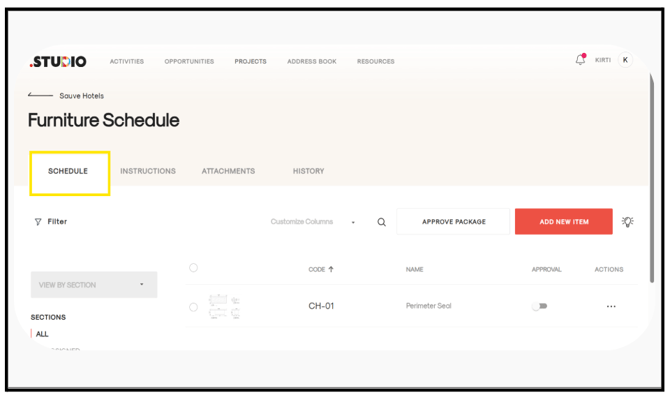
The Schedule will be displayed once the package is opened.
3. Use the Actions Menu to Duplicate the Item
-
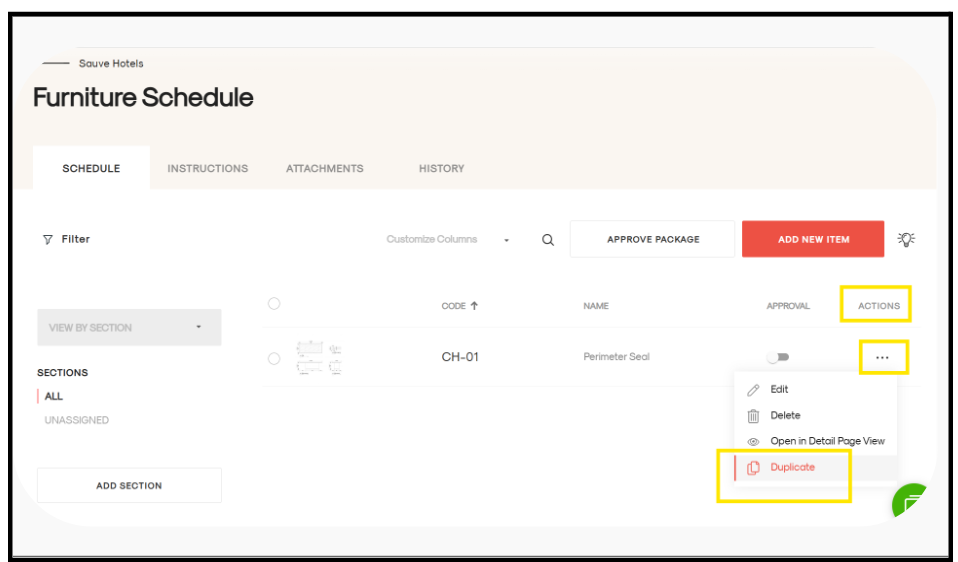
Go to the Actions tab (last tab).
-
Locate the item you want to duplicate.
-
Click on the three dots (⋯) next to the item and select Duplicate.
4. The selected item will be duplicated successfully within the package.