
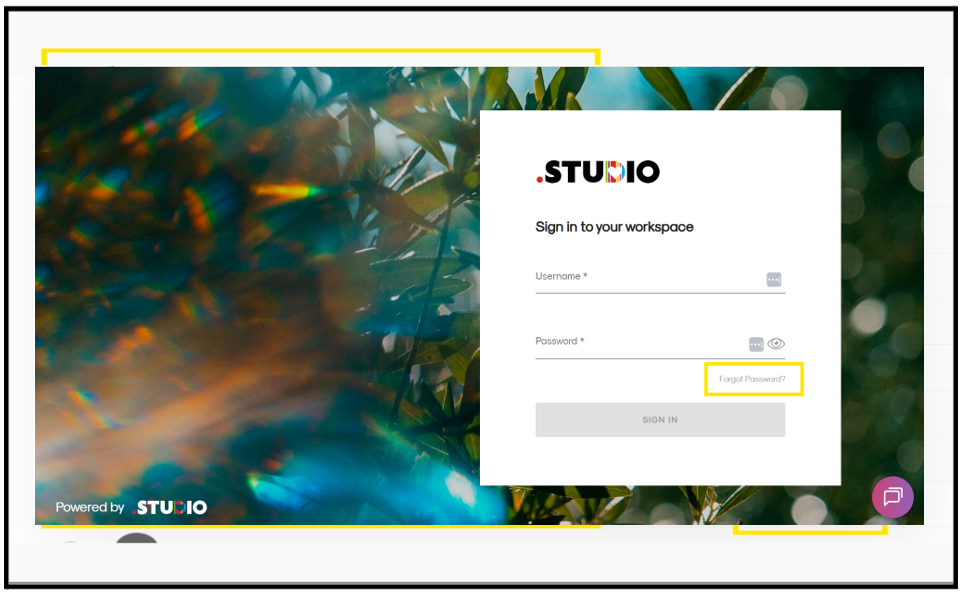
- Open the .STUDIO login page
- Click “Forgot Password?”
- Enter your registered email address
- Submit the request
What Happens Next
- You will receive a password reset email
- Click the link in the email
- Enter and confirm your new password
Important Notes
- The reset link is valid for 1 hour only
- If expired, repeat the process
Tip
Check your spam/junk folder if the email is not received.