
You can log your time directly within the Opportunity using the Activity tab.
How to add time
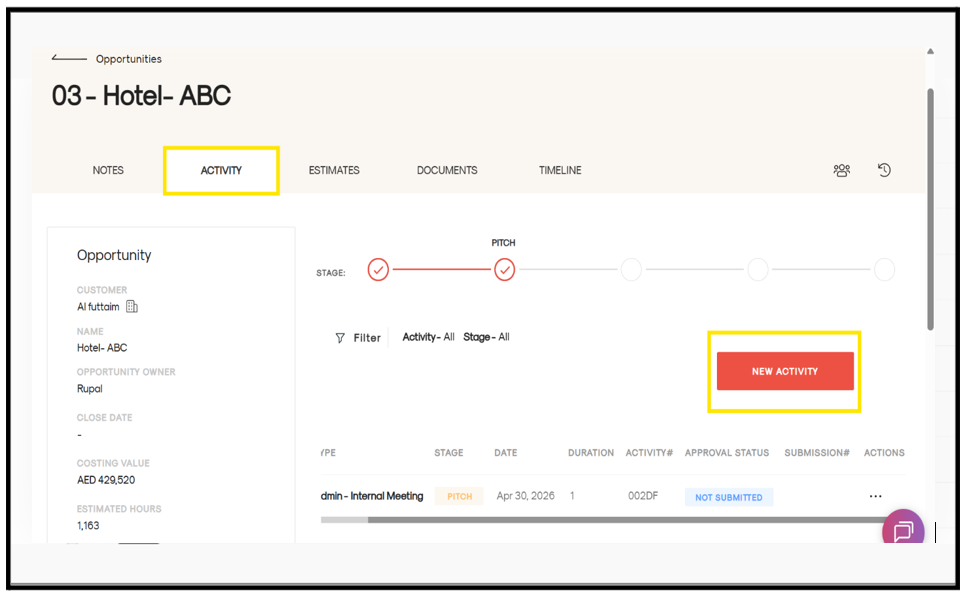
- Open the Opportunity you are working on
- Go to the Activity tab
- Click on New Activity
- A form will open—fill in the required details such as: Task, Stage, Hours, etc
- Click on Save
Once saved, your activity will be successfully added to the Opportunity.