
To add or update the Unit of Quantity:
- Open the item in the Detail Page View.
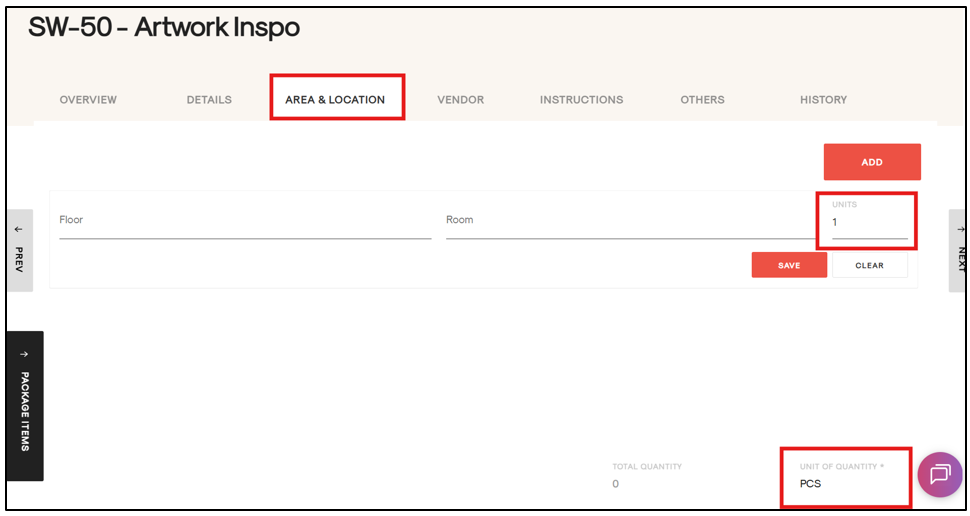
- Navigate to the Area & Location tab.
- Locate the Unit and Unit of Quantity fields (as shown in the attached image).
- Update the required values.
To add or update the Unit of Quantity: